Diagnosis the missing control
Why Don't I Have the TikTok Banner Update?
The short answer
- Plenty of accounts have it. Plenty do not. A profile editor may carry a control labelled Add background or Change background. A different account, running the identical app version, may find nothing of the sort on that screen.
- Users document that gap; TikTok does not. Creator videos and an analysis of 603 Google Play reviews both describe it. Our search turned up no official timetable, no country list and no eligibility rule.
- What is actionable today: look on the single screen that would hold the control, use it if present, and if it is absent report it once and fall back on a banner you can build with no feature at all.
An update is not a guarantee of access, and nothing verified will unlock it for you.
I don't see Add background · The button doesn't work · Make a banner instead · When will I get it?
Why don't I have the TikTok Banner?
Most likely the option is simply not enabled for your account. Experiences vary enormously between accounts, and TikTok has never confirmed the cause or any dependable way to switch it on.
That is where the public record stops. TikTok's help centre covers changing a profile photo; no page we could find covers a profile banner at all — not its availability, not a date. Anything more specific than that comes from users, from third parties reading those users, or from creators demonstrating their own handsets.
What the dated record actually shows
-
Unstar's review analysis, published Oct 31, 2026. It read 36,000 recent Google Play reviews from eight storefronts and counted 603 that mention a profile banner. The majority of those reviewers lack the option while friends, or a second account of their own, have it.
An Android sample only. 603 is a count within it, not a proportion of TikTok users, and we did not re-count the raw data ourselves.
-
SocialBee's November 2026 update roundup, page updated Nov 2, 2026. It lists a new Add Background profile option and traces the line back to a Threads post — a user report rather than a product announcement. It names no countries and no dates.
A media summary built on top of a user post. Worth having as a dated marker; worthless as a rollout document.
-
A creator clip from Oct 3, 2026. @brandonspam_ (1:07) demonstrates Profile → pencil → Change background and then notes that his own account never shows it. Demonstration and disclaimer arrive in the same recording.
A single creator's account, one week in October. It is not a statement from TikTok.
-
TikTok's own replies inside that sample. Of the 603 reviews, 423 drew an answer. Most offered thanks; a few redirected people to the in-app Help Center. On Unstar's reading, not one reply states when the option arrives, which countries govern it, or how to switch it on.
An answer is not a schedule. Read it as acknowledgement only.
What these reports establish is variation between accounts. They do not amount to a rollout schedule, and they cannot predict when your account might receive the feature.
How do I check whether I have the banner update?
Four steps, half a minute at most. The labels quoted are the ones users report seeing. Wording shifts between app versions and between iOS and Android, so treat each as a description of where to look rather than an exact menu string.
-
Take one update, from the official store
Not because an update unlocks anything: 22 reviewers in that sample updated, a few of them repeatedly, and nothing appeared. Do it once to strike "old version" off the list of explanations, then stop.
-
Go to your profile, then the editor
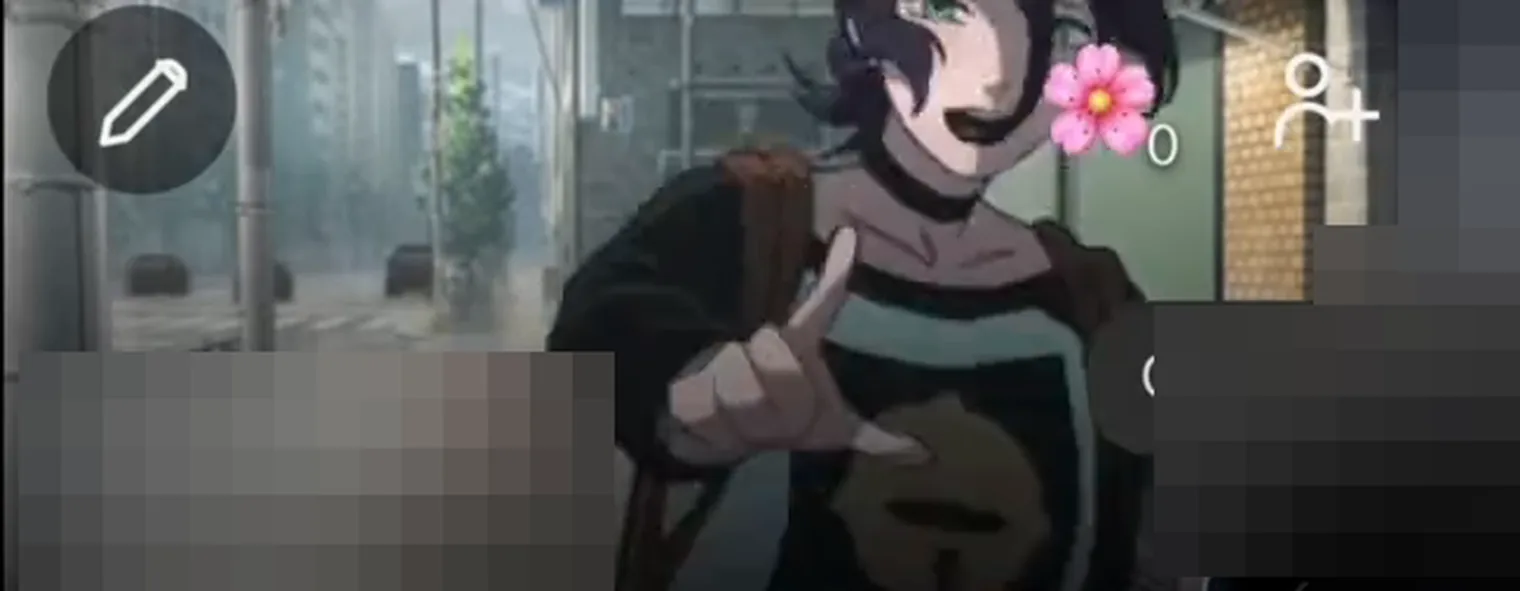
Tap the profile tab, then the pencil or Edit profile. Reports put the control on that editing screen — never in Settings, never behind the ☰ menu.
-
Scan the top of the screen, beside your avatar
With nothing set the label reads Add background; with an image already in place it reads Change background. A different word on your build is still the same control — photograph the label if you plan to report the problem later.
-
File what you saw under one of two cases
Both are dealt with directly below. No third case exists in which some hidden menu switches the option on.
You see Add background / Change background
Your account has it. Set an image now; the next section walks through it. The wording also reveals whether a background is already sitting there, which matters if you believed you had removed one.
You see neither
A missing button proves nothing about your handset. Skip the factory reset and work through the checks after updating and what still works.

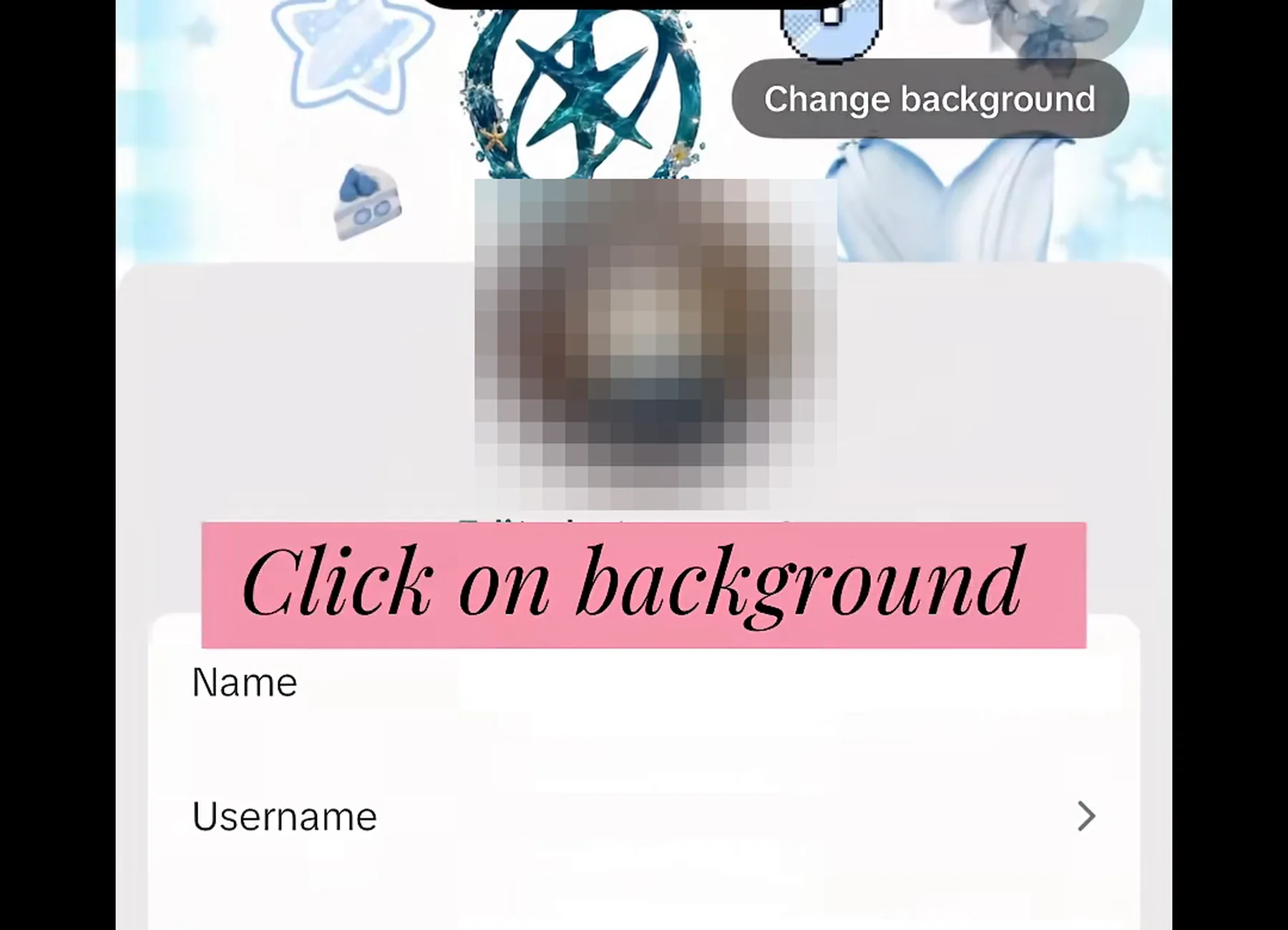
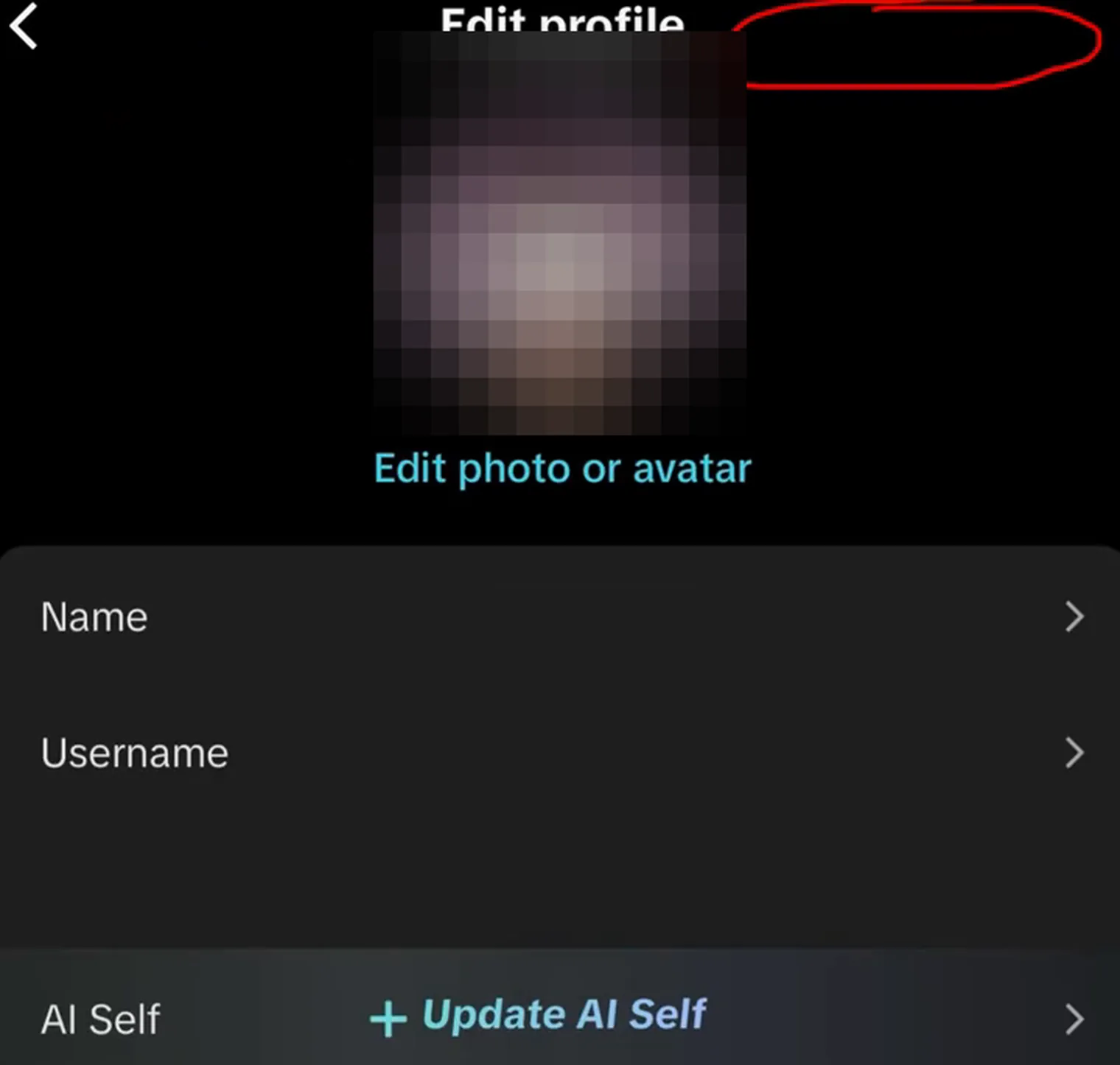
Those two frames carry the whole argument: one screen, one week, an account with the control and an account without it. They were filmed by different creators on different devices, so they say nothing about why the difference exists. Names, avatars and field values are masked by us, and neither recording explains how either account was chosen.
Creator clip · post link
One account, one editor, no such option
Seventeen seconds of the profile editor, filmed by someone hunting for the banner control. Its value is the inverse of a tutorial: it records how the screen looks when the row is simply absent, which is the situation this page exists for.
How do I add a TikTok Banner if my account has the option?
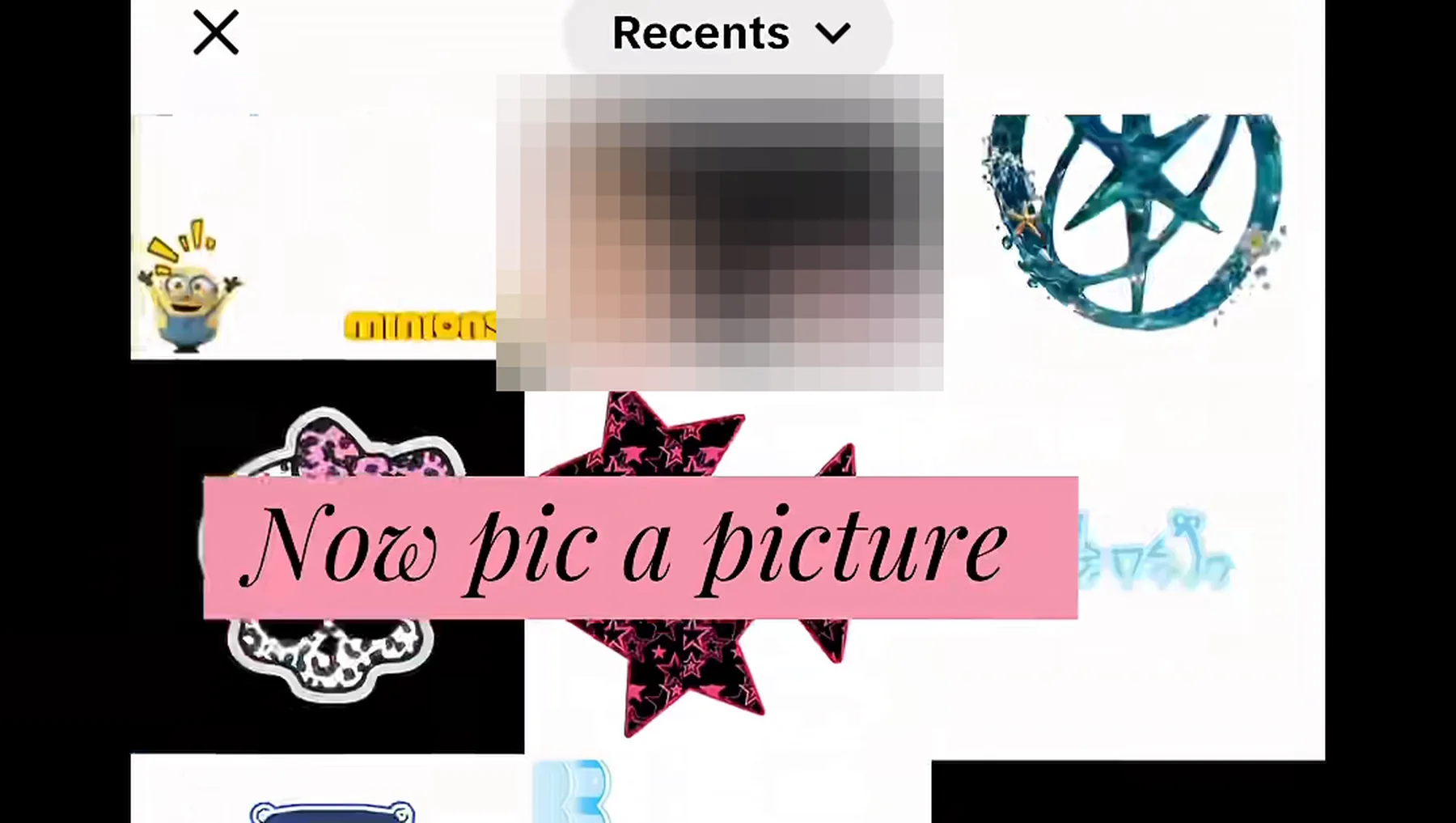
When the control exists, what follows is an ordinary photo pick: tap, choose an image you own, adjust the crop, save, reload the profile. The full sequence belongs to the five steps for setting one, each tagged with its evidence level, and is not repeated here. What stays on this page is the screen the control opens and the three claims we decline to make about it.
Three claims we refuse to make. No official pixel size exists for this banner; every figure circulating online is somebody's private working canvas. Animated GIF and video backgrounds remain unconfirmed — users contradict one another and no official word exists. And nobody has verified that the crop frame matches between iOS and Android.
If the control is not there, skip ahead: this section does not apply and the next one does.
You see the button, but the background refuses to save
Swap in a different JPG or PNG, make sure TikTok is allowed to reach your photos, and confirm the connection is up. Restart once and retry. Should it still fail, capture the error text and send it through Settings and privacy → Report a problem. A button that fails is a separate symptom from a button that never existed.
Why is my TikTok Banner not showing after an update?
Taking an update promises nothing. Twenty-two of the 603 reviews in Unstar's sample, published Oct 31, 2026, say precisely that: they updated, several of them more than once, and still saw no option appear.
Three checks, in this order
- Open a second account. The option seems to attach to accounts rather than to devices or builds: three reviewers had it on some of their accounts and not others. Hold another account? Open its editor before blaming the phone.
- Restart the app, then test the connection. If the screen still looks stale, clear the cache or sign out and back in.
- Reinstall last, if at all. TikTok warns that a reinstall can wipe drafts, including ones you saved inside the app. Keep anything you need outside TikTok, and skip the reinstall if losing a draft would be unbearable. See TikTok's draft guidance. A reinstall is not a guaranteed unlock.
Then stop. Nothing we found suggests that repeated updates, repeated reinstalls or a different store shifts an account up a queue. That is not a denial that a queue exists; it is the absence of any confirmed mechanism, which is a different claim entirely.
Changing region is the usual advice, and we will not give it. No evidence supports it as an unlock, and it puts your payment method, app availability and subscriptions at genuine risk. A trick nobody has verified, with a real bill attached, is a poor bargain.
What one sample actually counted
- 603Play Store reviews naming a profile banner, 1–30 Oct 2026
- 22updated, and it still never appeared
- 4had it, then lost it
- 3saw it on only some of their accounts
- 423drew a TikTok reply; not one carried a date
What if my banner disappeared?
Losing a banner is not the same problem as never having one, and it deserves its own answer. Four reviewers describe a banner that appeared and then left; one in Germany had it return after a reinstall, while one in France saw the same reinstall restore it only for it to vanish again. No confirmed cause appears anywhere in the sources we reviewed.
Note these down before reporting
- The last date you saw it, and the date you noticed it gone.
- Your app version, read from the store listing or the phone's settings rather than from memory.
- Handset model and OS build.
- Whatever changed in the meantime: a second account, a reinstall, a region switch, a new phone.
- A screenshot of the editor as it stands now, control present or not.
Reporting it from inside the app
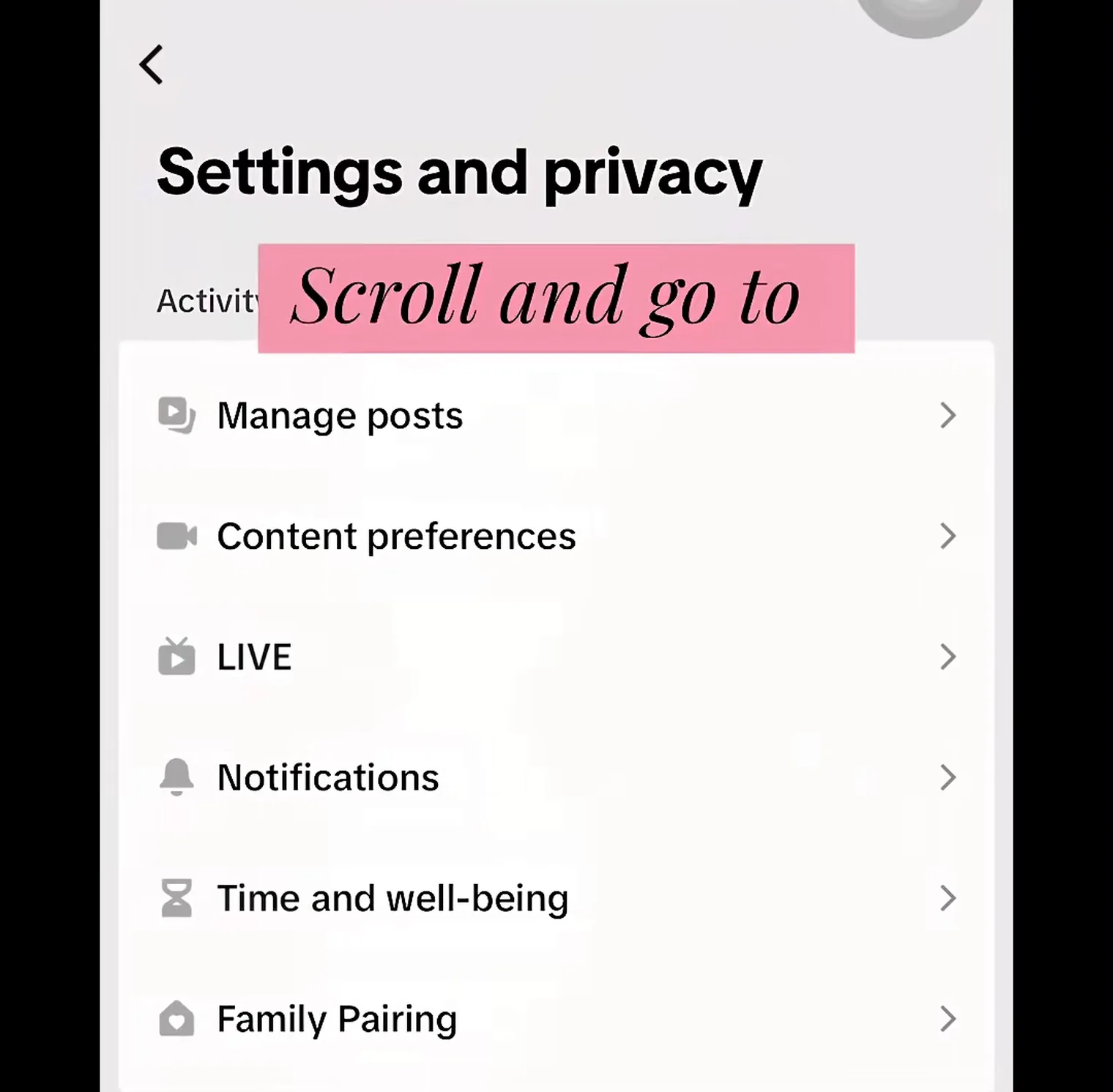
Of everything here, this is the only route you can check against TikTok's own documentation instead of against users: Profile → ☰ → Settings and privacy → Report a problem, then follow the prompts for your profile or editing screen. In that sample TikTok's replies often redirected people to the in-app Help Center instead — Profile → ☰ → Settings and privacy → Help Center. Both are official surfaces, and both end with an acknowledgement rather than a date.
One report suffices. Send it, write down the date, and stop; nothing suggests a second or fifth report is read any differently.
Can I force the TikTok Banner update?
No. Nothing TikTok confirms, and nothing that reproduces reliably between accounts, turned up in our research — and this site will not host a method anyway. What circulates online is a catalogue of things that cost you something and alter nothing.
- Modified APK or IPA "unlock" builds. Four reviewers mention these builds circulating, along with the lag and crashes that trail behind them. A sideloaded client is also a standard way to lose an account: it can read everything the real app can.
- Anybody requesting your password or a 2FA code. No banner justifies it, and no legitimate tool asks.
- "Complete a task", "install this app", "verify you are human" walls. The task is the product; your banner is the bait.
- "Switch region and it unlocks." No evidence, genuine side effects — see the note above.
- "Official size 1920×1080" and "GIF banners work". Neither claim holds. A confident spec sheet usually means the page was assembled from other pages.
- Anything carrying a date. Nobody outside TikTok holds one, and those inside are not sharing it.
Nor can a design tool switch the option on. CapCut's tutorial concerns making the picture and never claims to enable a control inside your app. Our splitter cuts a photo into three grid posts locally; it cannot enable or detect the native feature.
What can I do if the banner option is still missing?
Three options available today, ordered by how much of your profile they actually alter.
- A three-post grid banner. Let the splitter produce the files, or work through the manual route. One wide image, three equal cells, posted right → centre → left, then pinned so the top row reads as a single picture. It lives in your grid instead of the header, needs no account feature, and can be built tonight. There is a guide for it: make a three-post TikTok Banner.
- The header you already have. Photo, display name, bio. Less work than a banner, entirely yours to change, and the part most visitors actually read.
- Report once; look again rarely. Dated evidence sits in the update timeline. No countdown, waitlist or "checker" will appear here pretending to know your account.
Is a TikTok Banner the same as my profile photo or a video cover?
No. Four separate layers answer to "banner" or "background", which is exactly why a tutorial can describe something your own phone never shows.
| Layer | Where it appears | How it changes |
|---|---|---|
| Profile photo | The circular image at the very top of the profile. | Edit profile → Change photo, documented in TikTok's help. |
| Profile banner / background | A wide picture sitting behind avatar, name and bio. | Only where Add or Change background appears — user-reported, account-specific. |
| Video cover | The thumbnail belonging to one post. | Picked per post as you publish or edit. |
| Three-post banner | Your grid's top row — three posts abreast. | Three cells posted and pinned. No feature required. |
Two things follow. When advice says "change your banner" but the editor only offers a profile photo, that advice describes another layer, not a menu you failed to find. And the three-post banner is no feature whatsoever — it is three posts you own, usable while the native option stays away.
The questions people actually ask
Why doesn't my TikTok have the banner option?
In all likelihood the option was never enabled for your account. You did not switch it off, and no hidden toggle exists; the evidence section shows what is documented and by whom.
Where is Change background on TikTok?
On the profile editing screen, reached through the pencil or Edit profile — never in Settings, never behind ☰. If no such label is there, that account has no control. The four steps describe where to look.
Why can't I add a banner to my TikTok profile?
The control may simply not exist on your account, and no outside method has been shown to expose it. The alternative is to build a three-post banner out of ordinary pinned posts.
Does updating TikTok give me the banner feature?
Not by itself. An update can settle the outdated-version question without granting access: 22 reviewers in Unstar's Oct 31, 2026 sample updated and remained without it — see the checks after updating.
Can I use a GIF as a TikTok profile banner?
We could not settle it. Some users report animation; no TikTok documentation mentions GIF or video support; we have not tested it on an account that has the control. Any page presenting it as settled is guessing.
Why did my TikTok Banner disappear?
No cause has ever been published, and four reviewers describe precisely that. Write down your version and the dates, then report it once in the app — the steps are here.
Is the TikTok Banner the same as a video cover?
No. A cover is one post's thumbnail; a banner runs behind your avatar, name and bio. The table above keeps all four layers apart.
Where these claims come from
Each number here belongs to the source printed next to it, and every source carries a limit. Where a sentence overstates one, the correction takes precedence — send it through the about page.
- Third-party study Unstar, TikTok Profile Banner Not Showing? 603 Reviews Published Oct 31, 2026 36,000 recent Android Play Store reviews from eight storefronts. The counts describe that sample alone; the raw data was not re-counted.
- Media roundup SocialBee, TikTok updates Page updated Nov 2, 2026 Names an Add Background option, sourced to a Threads post. Not a TikTok product document, and silent on dates and countries.
- Creator video Brandon Conner (@brandonspam_), 1:07 3 Oct 2026 A single account, one week in October. Shows the entry point while noting the creator's own account lacks it.
- Official TikTok help, adding a profile photo Help index, checked Nov 5, 2026 Confirms the profile editor and Change photo; says nothing whatsoever about a banner.
- Official TikTok help, report a problem Help index, checked Nov 5, 2026 The reporting route itself. A report is not a queue position and comes with no date.
- Third-party guide Social Age Checker, profile background guide Nov 3, 2026 Describes editor labels and a crop flow. Not validated across devices, and its screenshots are not licensed to us.
Sources, evidence grades and their limits sit together in the ledger at the foot of the page: sources and methodology. The opening job — checking for the control and using it if present — belongs to how to get the TikTok Banner; the three banner types are explained on the homepage.